A zombie couple video prompt describes the people, mood and action of a fictional love story. Start with one of these six original prompts, then adapt it to a separate AI video tool that accepts text and reference images.
These are creative briefs for external tools, not the prompts behind our onsite templates. Suggested durations are planning targets, not tested output guarantees. Reference-image support, available settings, cost and results depend on the tool you choose.
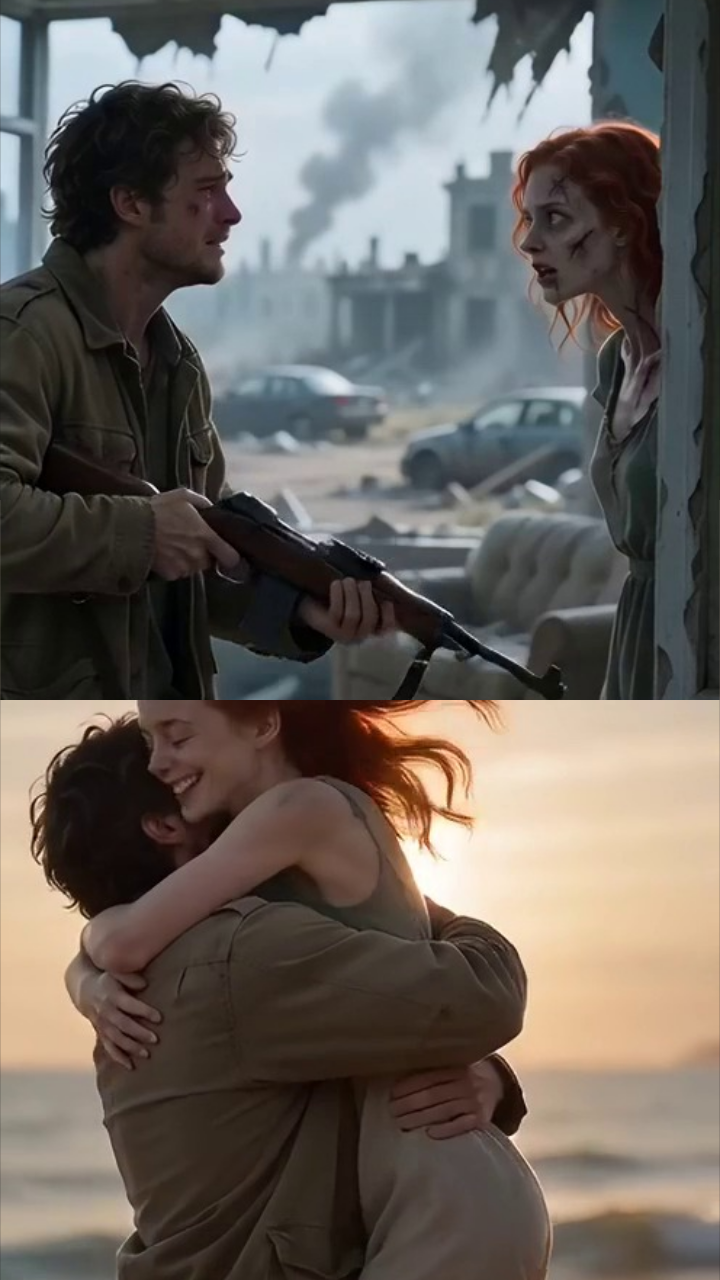
A last embrace and a beach memory
Creative target: 10–12 seconds · 2 adult reference portraits · external tools only
Create a fictional, non-graphic zombie romance using two reference portraits of consenting adults. Keep Person 1 as the human survivor and Person 2 as the zombie partner throughout. In a deserted coastal street at dusk, they recognize each other and move into a gentle embrace. Transition to a warm memory of the same couple hugging on a sunny beach, then return to their hands resting together. Use restrained camera movement, natural expressions and consistent facial features. Suggest the zombie theme through pale makeup and worn clothing only. Vertical 9:16 framing, fully clothed adults, no blood, wounds, weapons, attacks, sexual content or text overlays.
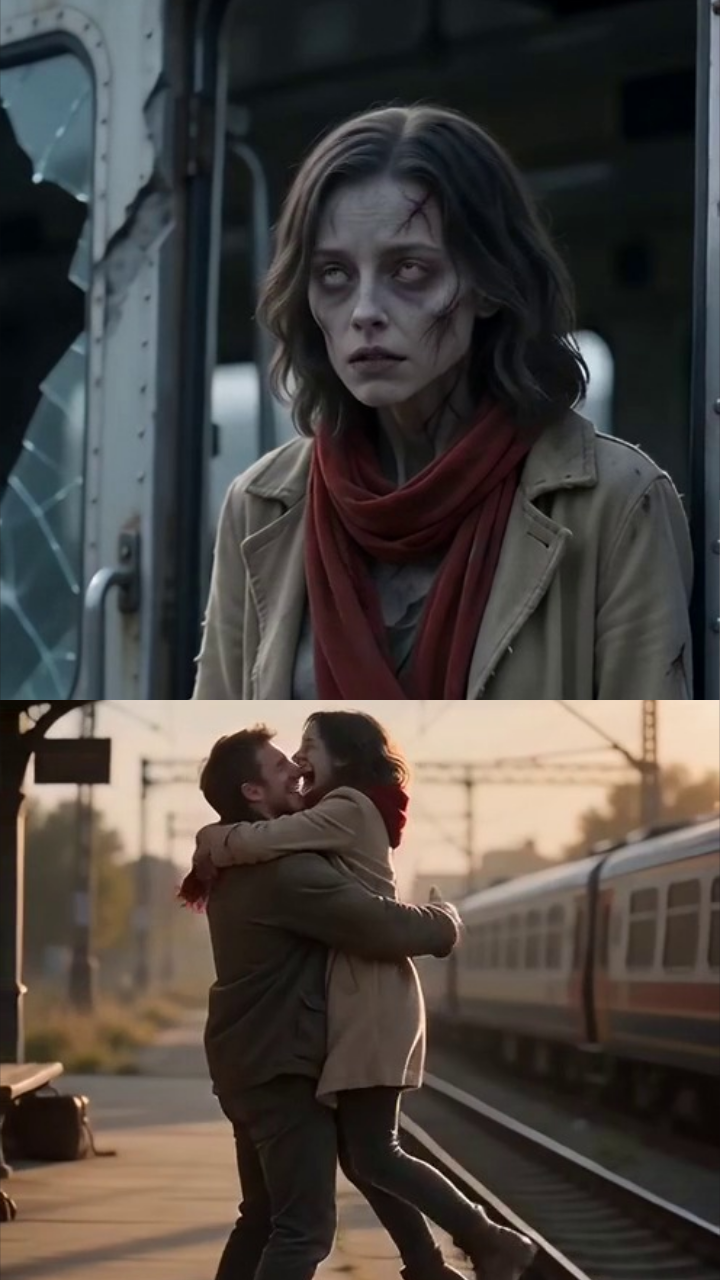
A reunion on an empty platform
Creative target: 10–12 seconds · 2 adult reference portraits · external tools only
Use two authorized adult reference portraits to tell a fictional zombie couple love story. Person 1 is a human waiting on a quiet railway platform; Person 2 is their zombie partner, shown with subtle theatrical makeup. Begin with a medium shot as they notice each other across the platform. Move slowly closer as recognition softens their expressions. End with a gentle handhold and a short flash of a sunlit reunion from their shared past. Keep both identities and role assignments stable, with faces visible when possible. Use cinematic evening light and vertical 9:16 composition. No gore, injury, violence, weapons, nudity, sexual content, logos or captions.
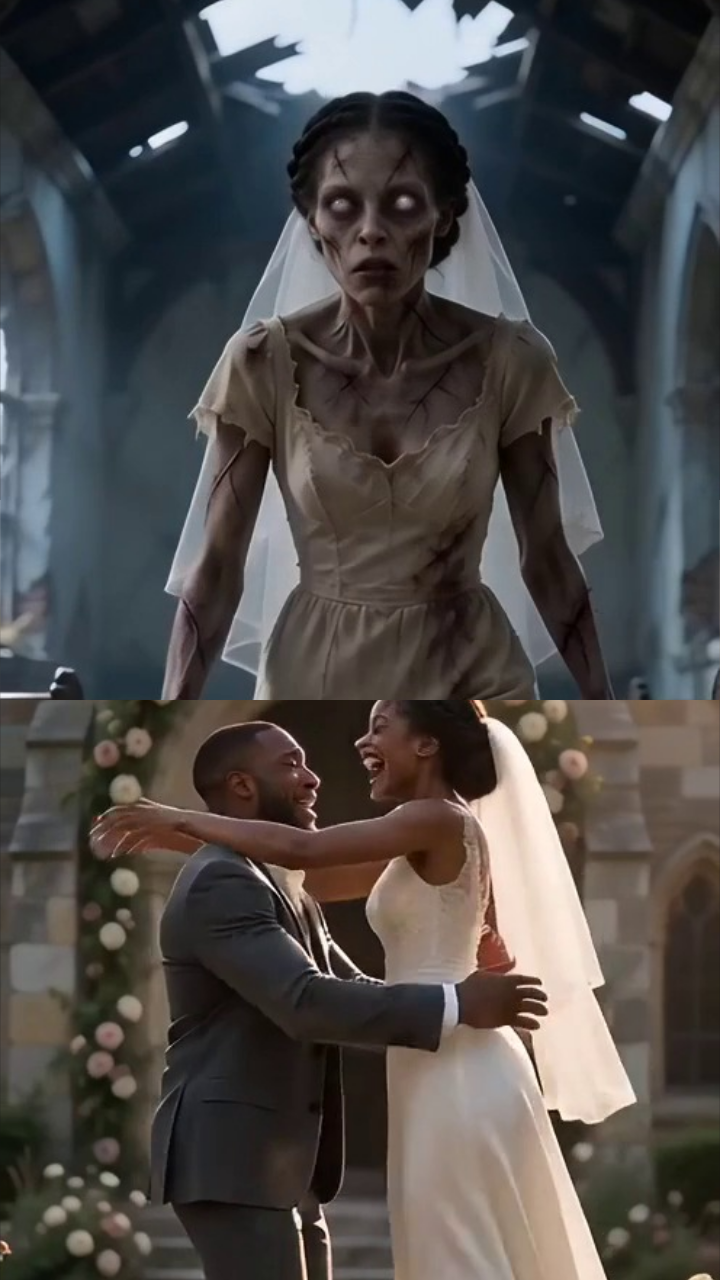
A wedding vow remembered
Creative target: 10–15 seconds · 2 adult reference portraits · external tools only
Build a tender, fictional zombie romance around two consenting adult portrait references. Person 1 remains human and Person 2 has a mild, non-graphic zombie appearance. Open in an abandoned garden as they stand facing each other, fully clothed. Transition into a bright wedding memory where the same adults smile and exchange a quiet embrace. Return to the garden and end with their hands joined. Preserve each person's facial identity across the transition; avoid face blending and keep movement simple. Frame vertically at 9:16 with soft cinematic lighting. The mood is commitment and affection, without blood, wounds, threats, weapons, sexual content or written vows on screen.
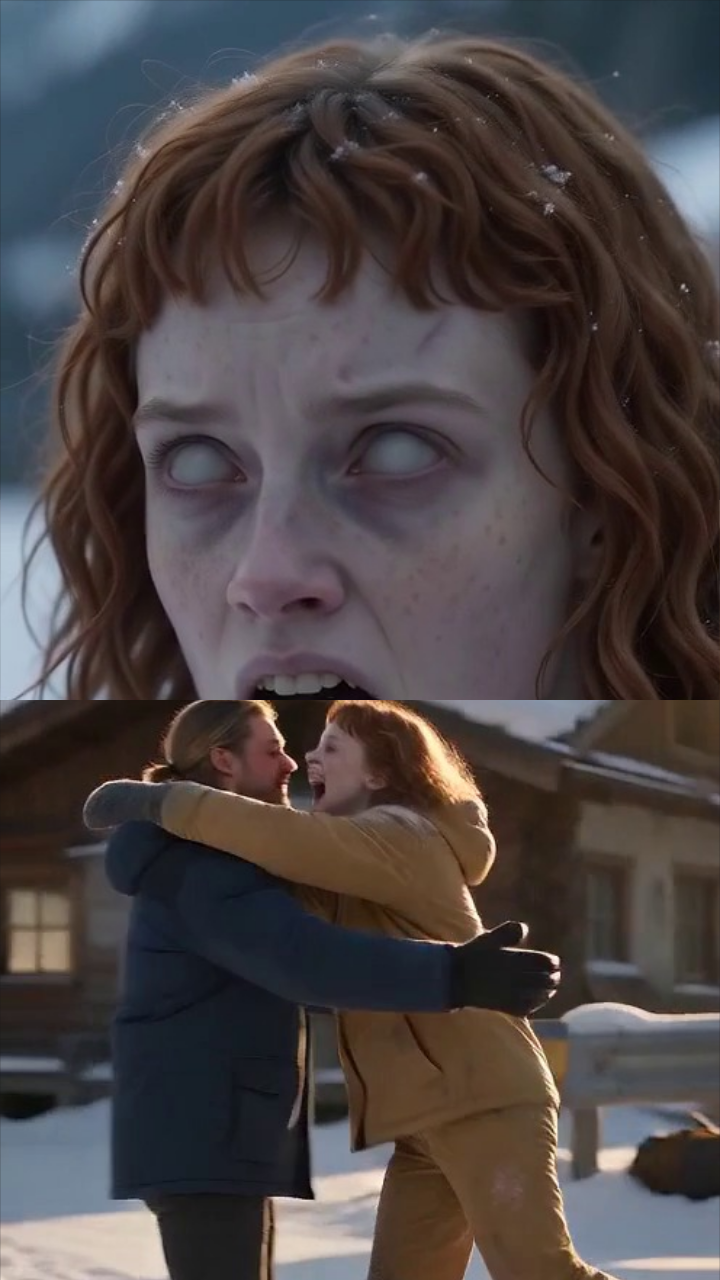
A winter memory in the snow
Creative target: 8–12 seconds · 2 adult reference portraits · external tools only
Create a quiet fictional love story from two portraits of consenting adults. Assign Person 1 as the human survivor and Person 2 as the zombie partner, using only subtle pale makeup to establish the fantasy. They meet on a snowy path in winter coats, pause with clear views of their faces and gently touch hands. Shift briefly to a warm golden memory of them embracing in the snow, then finish on the present-day handhold. Maintain distinct faces, stable clothing within each scene and slow natural motion. Use vertical 9:16 framing and a restrained camera. Keep the entire scene non-graphic: no injuries, attacks, weapons, nudity, sexual content or text.
A Halloween walk under lanterns
Creative target: 8–10 seconds · 2 adult reference portraits · external tools only
Use two consenting adult portrait references for a playful fictional Halloween couple video. Person 1 wears ordinary autumn clothing; Person 2 wears fully clothed, non-graphic zombie costume makeup. They walk slowly along a lantern-lit path, notice each other and share a warm smile before holding hands. Keep each adult recognizable and their roles unchanged, with a medium two-shot and a simple, steady camera move. Use autumn colors, soft practical lights and vertical 9:16 framing. Aim for an affectionate seasonal greeting rather than a frightening scene. Exclude blood, exposed wounds, weapons, chasing, attacks, sexual content, recognizable third parties, brand logos and captions.
A gentle goodbye at sunrise
Creative target: 10–12 seconds · 2 adult reference portraits · external tools only
Tell a bittersweet fictional zombie couple story using two authorized adult reference portraits. Keep Person 1 human and Person 2 a zombie partner with subtle fantasy makeup. In a quiet open courtyard at sunrise, begin with both adults facing the camera enough to show their identities. They turn toward each other, share a gentle embrace and slowly separate while keeping their hands together. Finish with a hopeful expression rather than an attack or a death scene. Favor simple gestures, consistent facial features, soft light and vertical 9:16 composition. Both adults remain fully clothed. No blood, wounds, self-harm, weapons, violence, nudity, sexual content or text overlays.